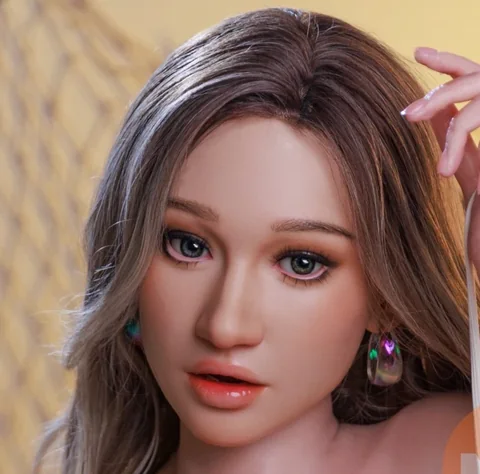
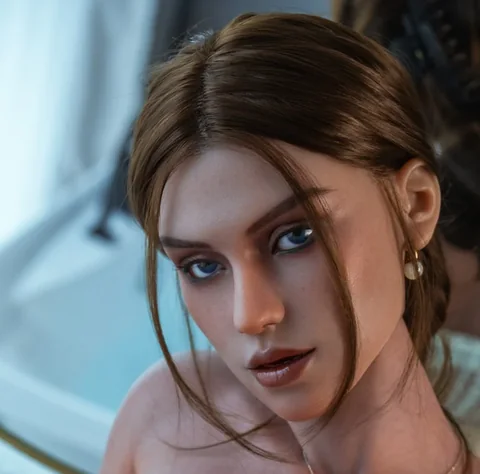
Check compatibility for an MZRDOLL head, stand or replacement part
Match the product, attachment and hardware revision when ordering a separate part.
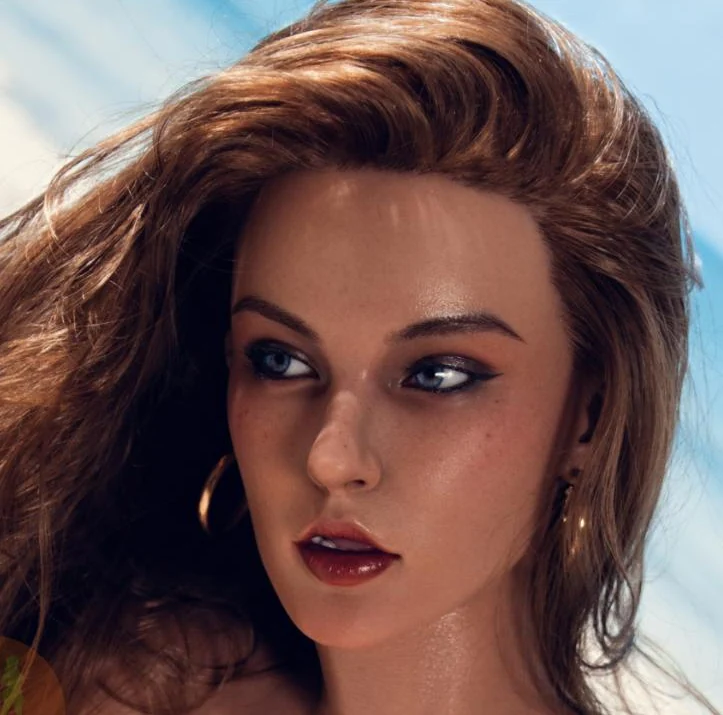
MZRDOLL catalogue photo of Lara AI · illustration for this article.
Identify the existing configuration
Start with the model name, head and body reference from the order confirmation. If a revision or serial number is provided, include it in the parts enquiry. Take a photo of the existing attachment or label if it can be accessed using the model instructions.
Ask for a specific compatibility check
Request confirmation that the part matches the relevant attachment, dimensions and approved support points. For a head, check how it attaches and whether it needs a separate control or power connection. For a stand, confirm the load and the compatible attachment on the exact body.
Match the appearance separately
Where visible parts are involved, ask about colour, makeup or surface finish alongside the mechanical fit. A part can fit a body while using a different finish. Request current images or a written finish description if continuity with the original setup is important.
Save service and fitting instructions
Ask whether the part includes fitting instructions and whether installation needs specialist support. Record the quoted part reference and what is supplied with it. If a problem appears later, you will have a clear record of the original configuration and the replacement.