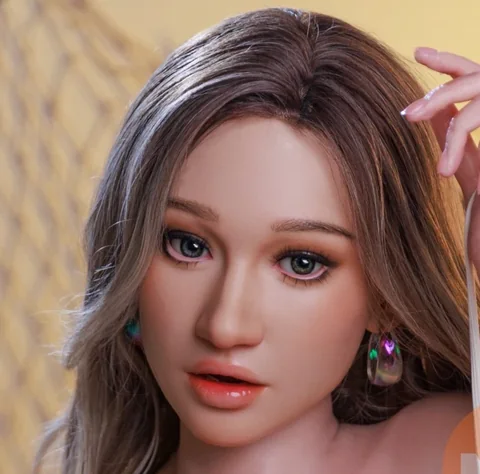
What to check on an MZRDOLL interactive head
Prepare questions about functions, setup, connectivity and ongoing support before selecting an AI configuration.

MZRDOLL catalogue photo of Lara AI · illustration for this article.
Name the model and hardware version
Request the precise head or controller revision alongside the product name. This is useful when regular and interactive models share a name. Ask how to identify the version in the manual and whether the package comes with the control hardware already installed.
Ask for a feature demonstration
Choose two functions you would actually use and request a short demonstration for the exact revision. For language support, ask to see the setup menus and a brief spoken interaction in the required language. A demonstration also shows how the head reacts when the connection is interrupted.
Write down the connection requirements
Confirm whether a phone, network connection or account is required. Ask where settings or conversation history are stored, what you can erase and how to reset the device. If an app or network service is involved, clarify which parts remain available when you disconnect.
Keep a setup checklist
Ask for the included power supply, plug type, printed instructions and support contact on the order details. Check which components can be serviced separately. Keep the written answers with the model reference so later troubleshooting starts from the right setup.