Build an after-sales record for your MZRDOLL order
Keep one place for the accepted configuration, receiving details and any follow-up questions.
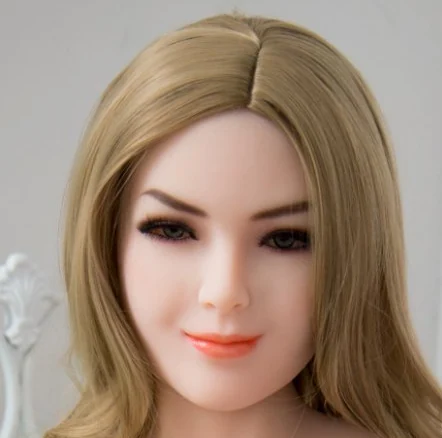
MZRDOLL catalogue photo of Madelyn AI · illustration for this article.
Capture the accepted configuration
Save the quote, order number and chosen model details together. Include the head, body, material, finish and any separately quoted equipment. If a change is made after ordering, add the revised confirmation and mark which version is current so the support team can follow it.
Keep a package and setup record
Record the number of cartons and included items. Keep the manual and any hardware labels with the order sheet. If you contact support about a missing part, add the relevant package photo and specify which carton or accessory you were expecting.
Ask what evidence the seller needs
Different issues can require different details. For a finish concern, good lighting and a short description can help. For equipment, ask whether the revision, indicator status or setup stage would be useful. Follow the seller’s guidance before attempting a repair or discarding packaging.
Keep the next step clear
Save replies, dates and any agreed parts or follow-up action. If there is an expected shipping or response window, write it next to the item it applies to. This makes it easier to check progress and pick up the conversation later.